@zhangyy
2019-12-11T03:10:33.000000Z
字数 837
阅读 663
SourceTree 安装跳过注册步骤
运维系列
一: 安装文件:
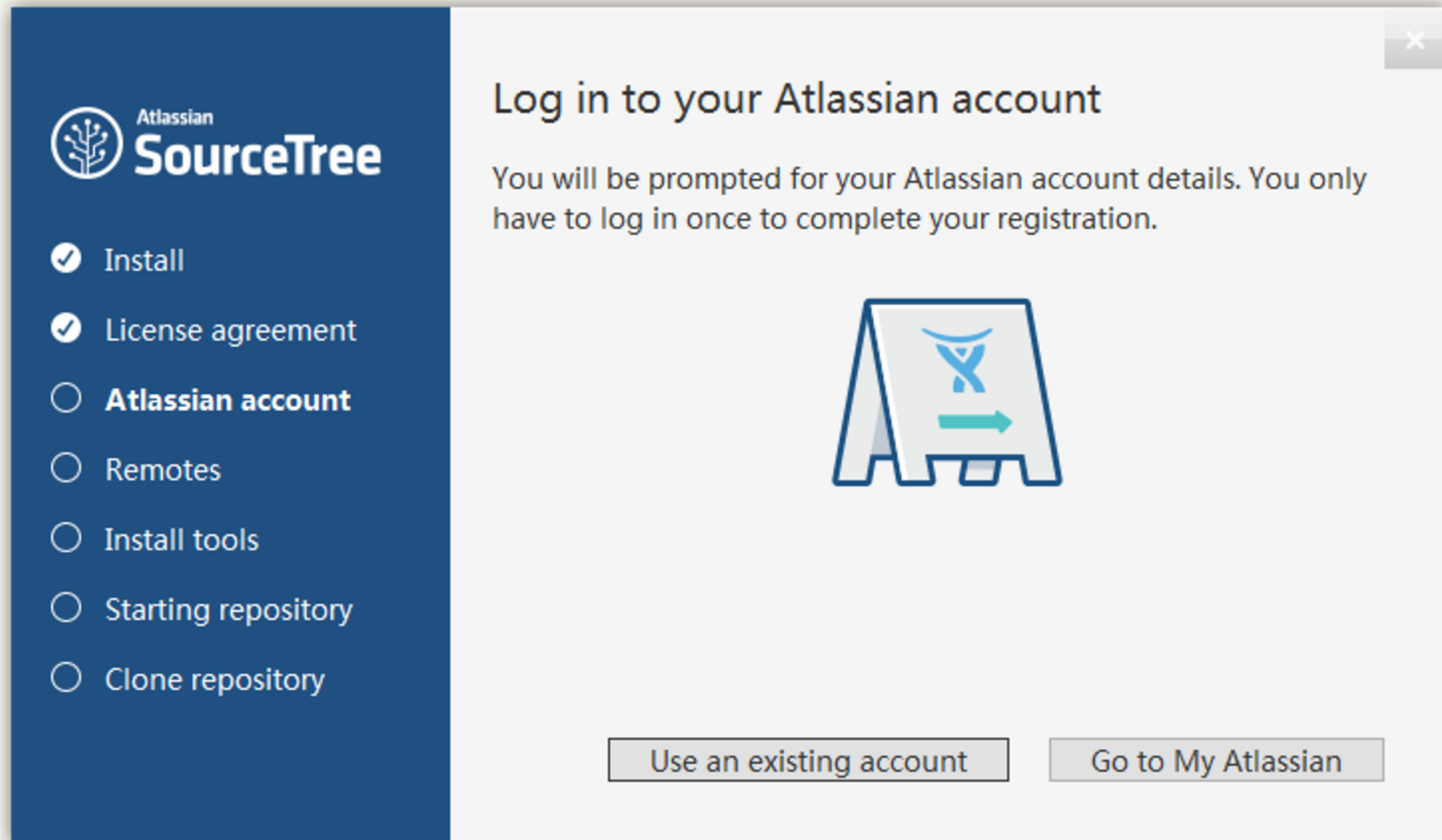
SourceTree 安装之后需要使用账号登陆以授权,并且是强制登陆。登录过程非常漫长,并未在不FQ的情况下是不能成功的,下面记录一下跳过登录的方法。装之后,转到用户本地文件夹下的 SourceTree 目录,找到accounts.json 文件,没有则新建。C:\Users\zhangyy\AppData\Local\Atlassian\SourceTree输入以下内容保存即可
[{"$id": "1","$type": "SourceTree.Api.Host.Identity.Model.IdentityAccount, SourceTree.Api.Host.Identity","Authenticate": true,"HostInstance": {"$id": "2","$type": "SourceTree.Host.Atlassianaccount.AtlassianAccountInstance, SourceTree.Host.AtlassianAccount","Host": {"$id": "3","$type": "SourceTree.Host.Atlassianaccount.AtlassianAccountHost, SourceTree.Host.AtlassianAccount","Id": "atlassian account"},"BaseUrl": "https://id.atlassian.com/"},"Credentials": {"$id": "4","$type": "SourceTree.Model.BasicAuthCredentials, SourceTree.Api.Account","Username": "","Email": null},"IsDefault": false}]
现在再打开 SourceTree,直接显示主窗口了。
